
PABLO Modernization¹: What’s changing for stores that offer tax-free shopping
The PABLO-Indépendants² update, rolled out on March 31, 2026, requires new information when issuing a tax refund form³: the receipt number and, for each item worth €500 or more, its type and brand. These requirements have applied since that date to merchants using PABLO-I and will apply from November 16, 2026, to stores affiliated with a tax refund operator. Here’s what your teams need to know at the point of sale.
MAREVA remplacé par GUN⁴ : qu’est-ce que cela change ?
Les Douanes font évoluer progressivement le système qui permet à PABLO et aux opérateurs de détaxe d’échanger des informations. MAREVA est progressivement remplacé par GUN. Pour votre boutique, les conséquences dépendent de la façon dont vous émettez vos bordereaux.

If your store is affiliated with a tax refund operator
Your operator is responsible for adapting its system connection to Customs’ IT tools. In store, continue creating forms with your operator’s usual tool. The operator will let you know if your process or tool is changing, and when.

If your store is not affiliated with an operator
You can use PABLO-I, the free online service that Customs provides to independent merchants. It lets them create and track their tax refund forms.
RECEIPT OR INVOICE NUMBER
When creating a tax refund form, enter the receipt number. If the customer receives an invoice instead of a receipt, check with your operator or in PABLO-I how to enter its number.
Important : Do not reuse the same receipt number on multiple tax refund forms on the same day.
Example: If a customer makes a purchase in the morning and returns in the afternoon to make another purchase, create two separate tax refund forms, one for each sales document.
FOR ITEMS COSTING €500 OR MORE, SPECIFY THE TYPE AND BRAND
For an item priced at €500 or more, the description must specify its type and brand. It must also be clear enough to identify the item. “Watch,” “trousers” and “T-shirt” are examples of suitable item types. Broad terms such as “accessory” or “clothing” are no longer sufficient.
| Do not do this | More specific |
|---|---|
| Accessory | Handbag |
| Clothing | Coat |
| Electronics | Headphones |
| Luxury item | Watch |
Then enter the brand in the designated field. For example: type: handbag; brand: Ralph Lauren.
SERIAL NUMBER: REQUIRED FOR CERTAIN PRODUCT CATEGORIES
For watches, jewellery, leather goods and multimedia products, the serial number must be entered on the tax refund form, regardless of the item’s price. If an item does not have a serial number, it cannot be included on a tax refund form.
Here too, the description must clearly identify the item.
Examples :
- Watch: Longines HydroConquest watch, grey ceramic bezel, stainless steel Milanese mesh bracelet, polished black lacquered dial, stainless steel case, serial number: XXXXXXX.
- Jewellery: Gold ring set with a diamond, serial number: XXXXXXX.
- Leather goods: Leather handbag, serial number: XXXXXXX.
- Multimedia: Smartphone, serial number: XXXXXXX.
WHY DOES CUSTOMS ASK FOR THIS INFORMATION?
The receipt number links the tax refund form to an identifiable sale. The item type and brand make the product description more precise. Together, this information helps Customs match the form to the sale and the goods presented by the traveler during an inspection, particularly to combat fraud.
How SolPay Makes Store Teams’ Daily Work Easier
By scanning the receipt, sales information is retrieved automatically through SolPay solutions. Your teams don’t need to re-enter the receipt number or the precise description, type or brand of the goods. This saves time and reduces the risk of data entry errors.
The time savings are immediate: for three items, filling out the form by hand takes 7 minutes, compared with just 30 seconds with SolPay. Your teams save 6 minutes and 30 seconds on each transaction.

A RETENIR

- Always enter the receipt number on the tax refund form.

2. Don’t reuse the same receipt number on multiple forms on the same day.

3. For every item worth €500 or more, specify its type, brand and a precise description.

4. For watches, jewellery, leather goods and multimedia products, also enter the serial number.

5. If PABLO fails, follow the procedure for your tool. With SolPay, the backup form is generated automatically and made available to the traveler. With PABLO-I, download the backup form, print it and fill it in by hand, then enter it in the application once the service is back up. Paper booklets of forms are no longer permitted.
Are the new PABLO requirements taking up your time?
Frequently Asked Questions
Find answers to your questions quickly.
-
What should I do if PABLO is down at the time of sale?
The procedure depends on the tool you use. With SolPay, a backup tax-free form is generated automatically and made available to the traveler. With PABLO-I, download the backup tax-free form, print it, fill it out by hand, and give the traveler a copy. Once PABLO-I is back online, record the form in the application using the backup certificate number.
-
When is a serial number also required?
A serial number is required for watches, jewelry, leather goods, and multimedia products, regardless of price. It must appear on the tax-free form. If the item does not have a serial number, a tax-free form cannot be issued for it.
Example: For a Longines HydroConquest watch, enter “Serial number: XXXXXXX”.
-
What information is required for an item priced at €500 or more?
Enter the item’s type and brand, along with a description detailed enough to identify it. For example, enter “handbag” as the type and “Ralph Lauren” as the brand. This requirement also applies to items priced at exactly €500.
-
Which transaction number should I enter on the tax-free form?
When creating the form, enter the receipt number. If the customer receives an invoice instead of a receipt, check with your operator or consult the guidance in PABLO-I on how to enter the invoice number.
-
What technical changes does the switch from MAREVA to GUN involve?
The migration of PABLO to GUN is gradual. With MAREVA, data is exchanged in XML format. With GUN, data is exchanged in JSON format via APIs.
-
Do I need to change how I create tax-free forms when GUN is introduced?
If your store uses a VAT refund operator, you can continue creating tax-free forms using your operator’s usual tool. Your operator will update its connection to French Customs’ IT systems and let you know if the tool or process changes. If you use PABLO-I, the migration does not change how you use the service.
latest news
-
Article
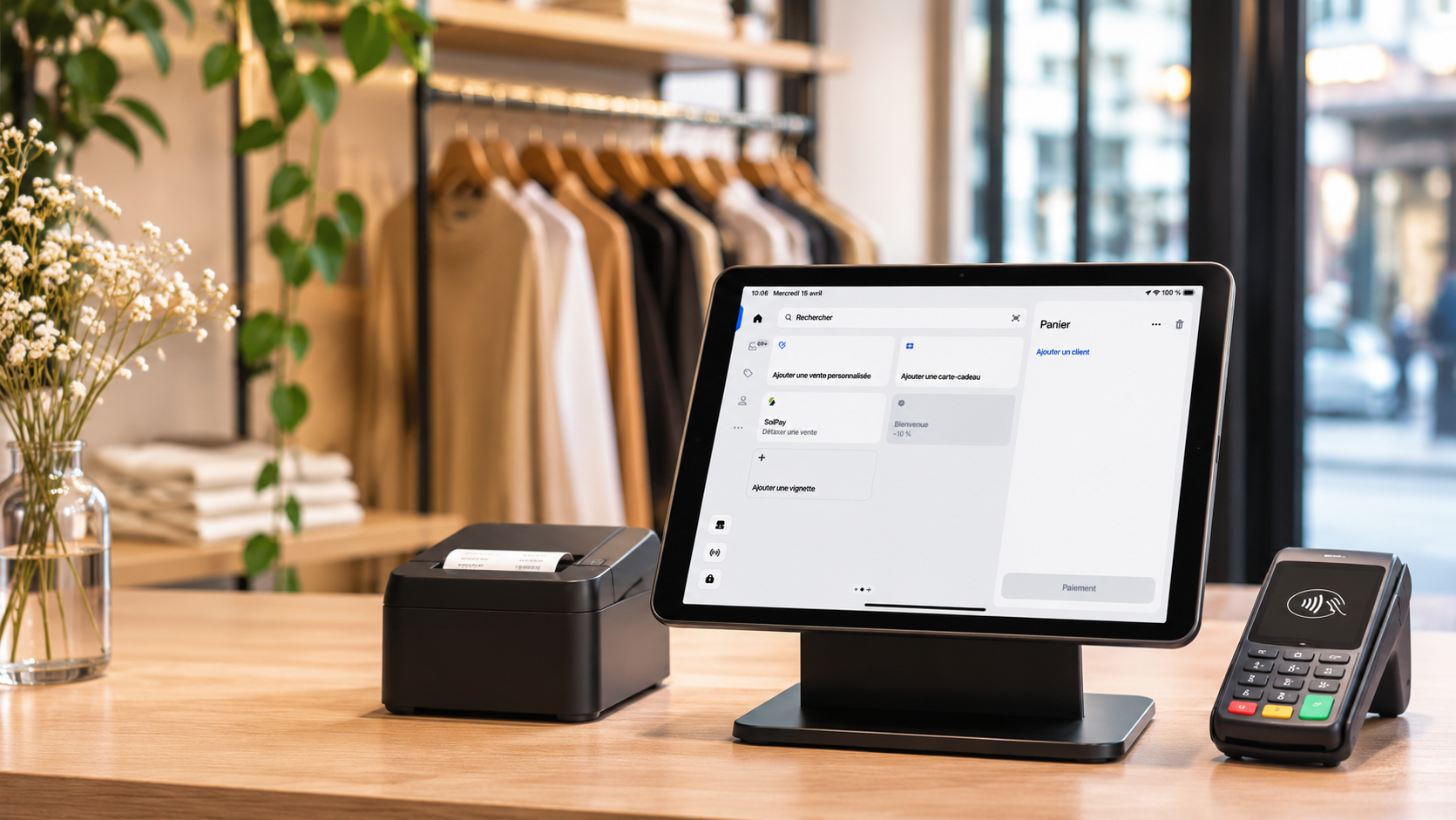
Shopify POS: In-store checkout, inventory & VAT refunds
Discover how Shopify POS connects online and in-store sales, synchronises inventory and simplifies tax-free shopping through its integration with SolPay.
-
Resources

PABLO Modernization: What’s changing for stores that offer tax-free shopping
PABLO Modernization¹: What’s changing for stores that offer tax-free shopping The PABLO-Indépendants² update, rolled out on March 31, 2026, requires new information when issuing a tax refund form³: the receipt number and, for each item worth €500 or more, its type and brand. These requirements have applied since that date to merchants using PABLO-I and…
-
Resources

Weddings in france: what if tax-free shopping also had a place on the big day?
WEDDINGS IN FRANCE: WHAT IF TAX-FREE SHOPPING ALSO HAD A PLACE ON THE BIG DAY? France has always held a special place in the world of weddings and elegance. Designer dresses, custom-made suits, jewelry, shoes, accessories, floral arrangements… French expertise attracts international customers looking for unique pieces to celebrate one of the most important moments…
-
Article
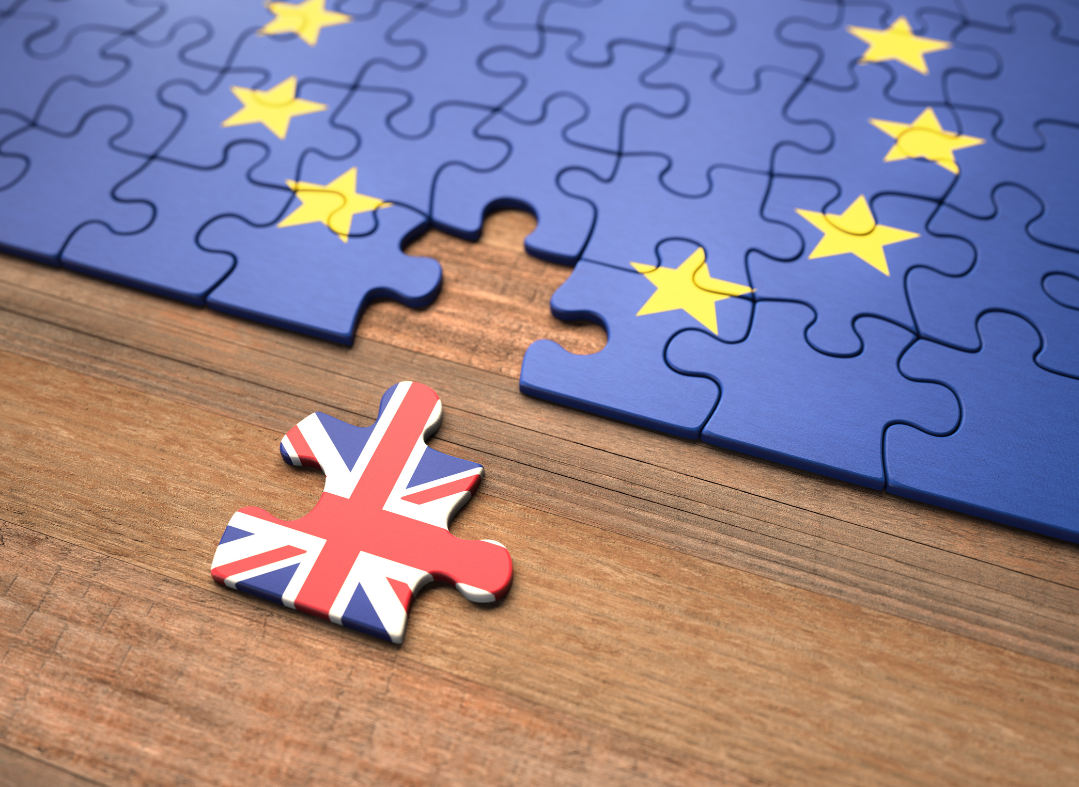
How Did British Travelers Become Such a Valuable Customer Segment For French Retailers After Brexit?
For French retailers, particularly in the luxury sector, Brexit has turned into a significant business opportunity. Five years later, the result is striking: tax-free sales have increased by 550%.
-
Article

Duty Free vs. Tax Free: What’s the Difference?
The terms duty free and tax free are often confused by international travelers. However, these two systems operate differently and apply to different shopping situations.
-
Article
Why Fashion Retail Stores Have Everything to Gain from Tax-Free Shopping
France remains one of the world’s premier shopping destinations, with fashion standing out as one of its greatest attractions. For international travelers who reside outside the European Union, shopping in France means access to exceptional craftsmanship, iconic brands—and one significant advantage: tax-free shopping.